Overview
Padas Motion is the on-prem security data operations line: Padas UI, the console, and one or more Motion Engine instances (console: Cores; tree: core/). The engine runs pipelines. The console is where you configure and operate them—including engines on other hosts.
This Getting started path installs the console and one engine on one Linux host, a running engine, and a sample source → task → sink pipeline. Lookup enrichment is optional and comes after that sample.
Adding engines on other hosts is supported; see Next steps.
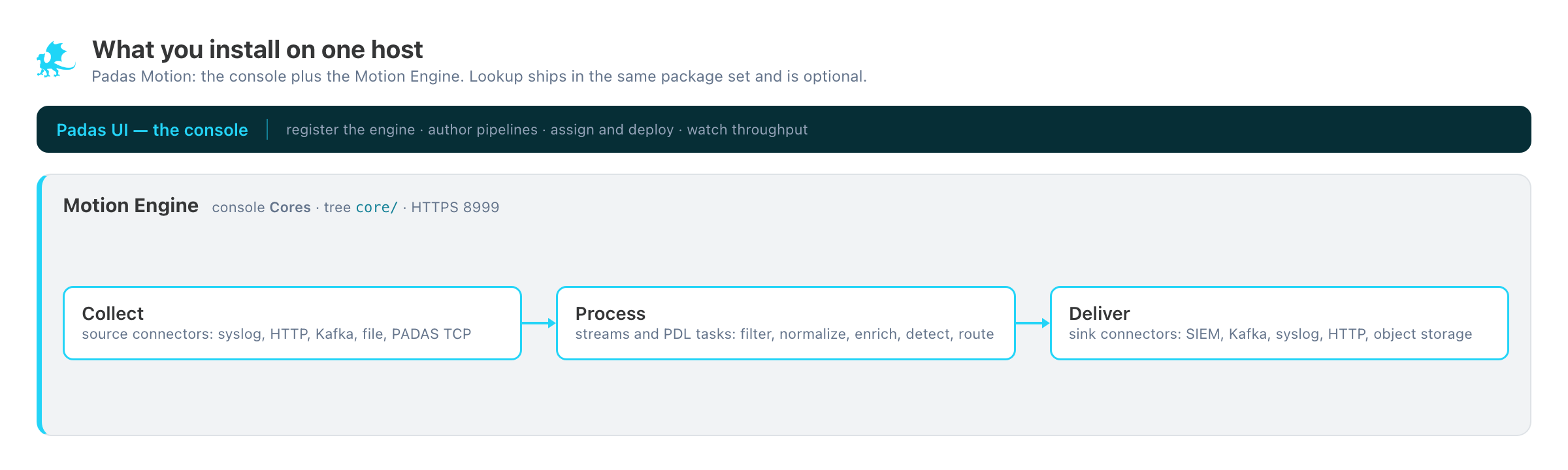
core/). Collect → Process → Deliver. Lookup is optional and not this path.